DarkMatter2
Sampler · VST3, Windows x64, Linux x64 and ARM64
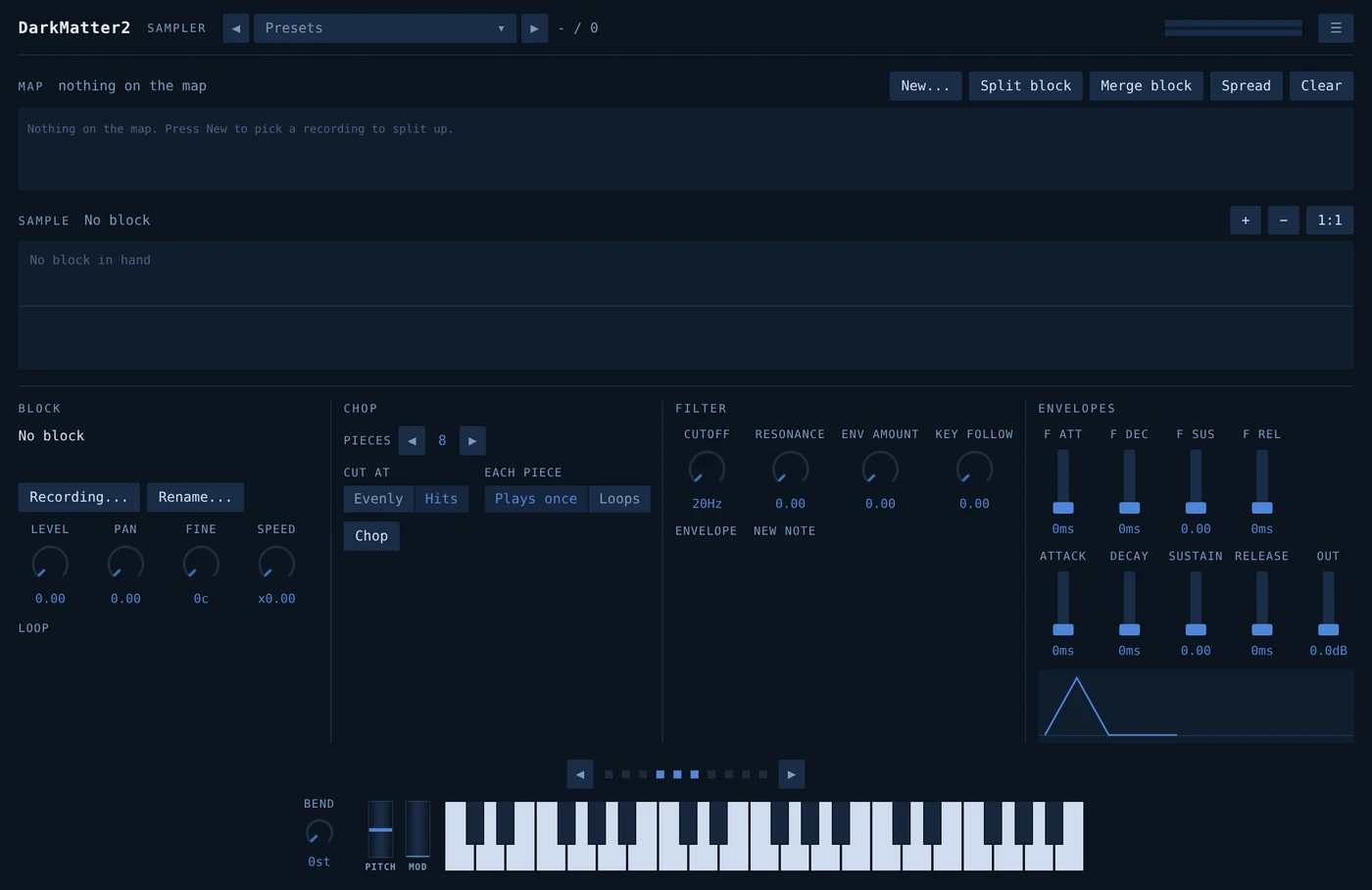
A sampler. Recordings are laid across the keyboard, each one with a stretch of keys, a root to transpose from, and its own window into a file.
Zones are drawn on a map rather than typed into a table, so what you hear and what you see are the same thing.
A look before you buy
Without a licence the plugin installs and opens, so you can see the panel and how it is laid out. It makes no sound at all until it has one. Call it a look rather than a trial.
The download holds three things: the plugin, DarkRunner to play it
without a DAW, and something to install both. On Windows that is
Install DarkMatter2.exe, which installs for you alone
and wants no administrator. On Linux it is install.sh, the
same idea and no root either. The .vst3 is in there loose as well, for
dropping into a VST3 folder by hand.
Windows puts up a blue box reading Windows protected your PC the first time you run it. That is SmartScreen. Quietening it means buying a code signing certificate and renewing it every year, which I would rather not pass on. What the box tells you is that the publisher is unrecognised, which is all it means: nothing has been found wrong with the file. Click More info, then Run anyway.