Dark Suite VSTs
Seven VSTs, instruments and effects, built with JUCE. Each one is a VST3 for Windows and Linux, and runs in any host that takes VST3 plugins.
No DAW, no problem. Every plugin ships with DarkRunner, one program that plays the whole suite. It finds the Dark plugins you have installed, lists them along the top, and draws the one you pick at the size its panel asks for. Buy a second plugin and it turns up in the same window.
Each one is bought once. A licence is a signed file you keep, not an account and not a subscription, and no plugin ever contacts a server.
 The Seven Samurai
The whole line
All seven Dark plugins, one licence file, one payment.
Bought one at a time the seven come to EUR 139.65, so …
EUR 99.95
View
Dark707
Drum machine
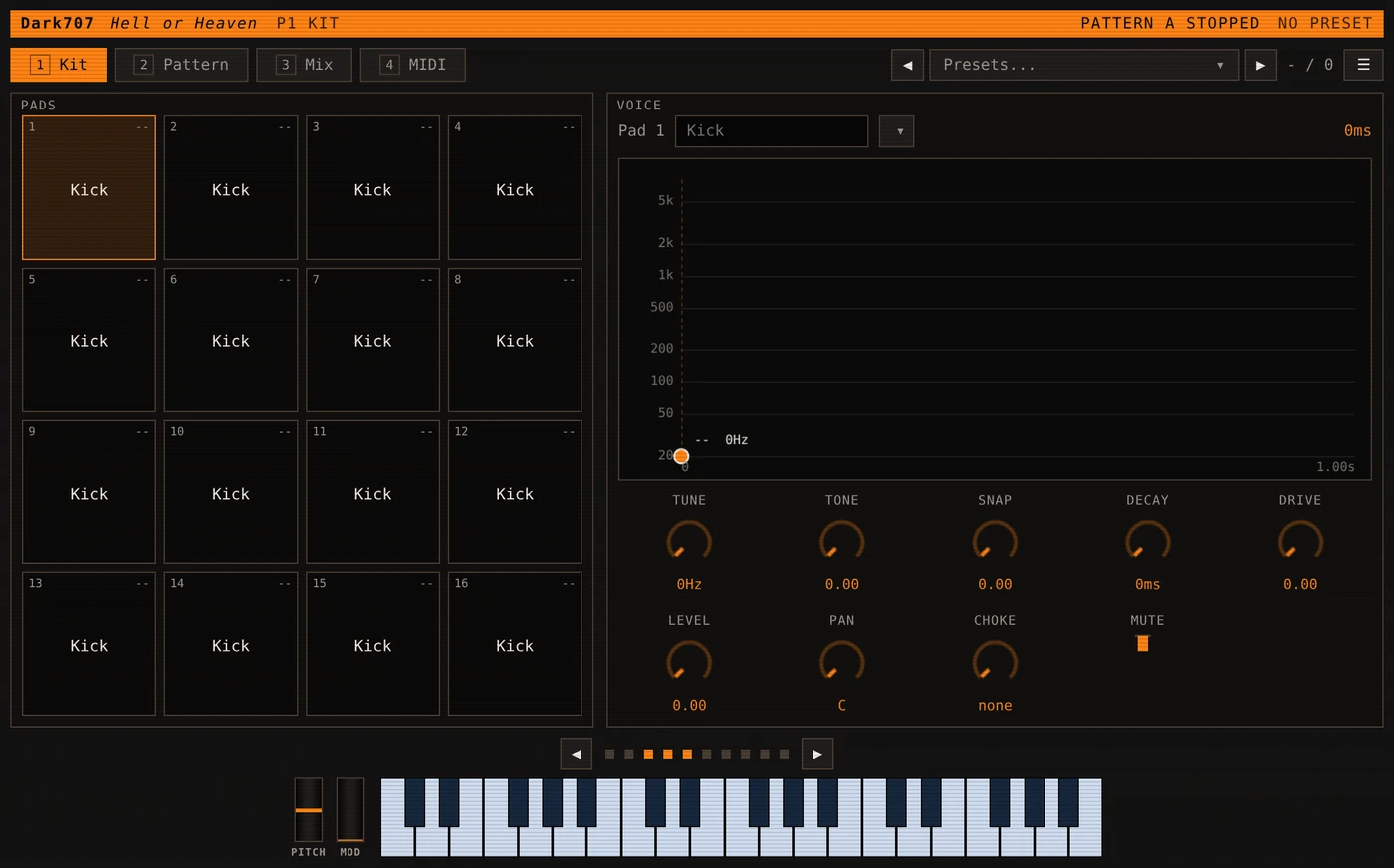
Sixteen pads in a four by four grid, each one a synthesised voice, and a thirty two step pattern for every …
EUR 19.95
View
DarkOperator
FM synth
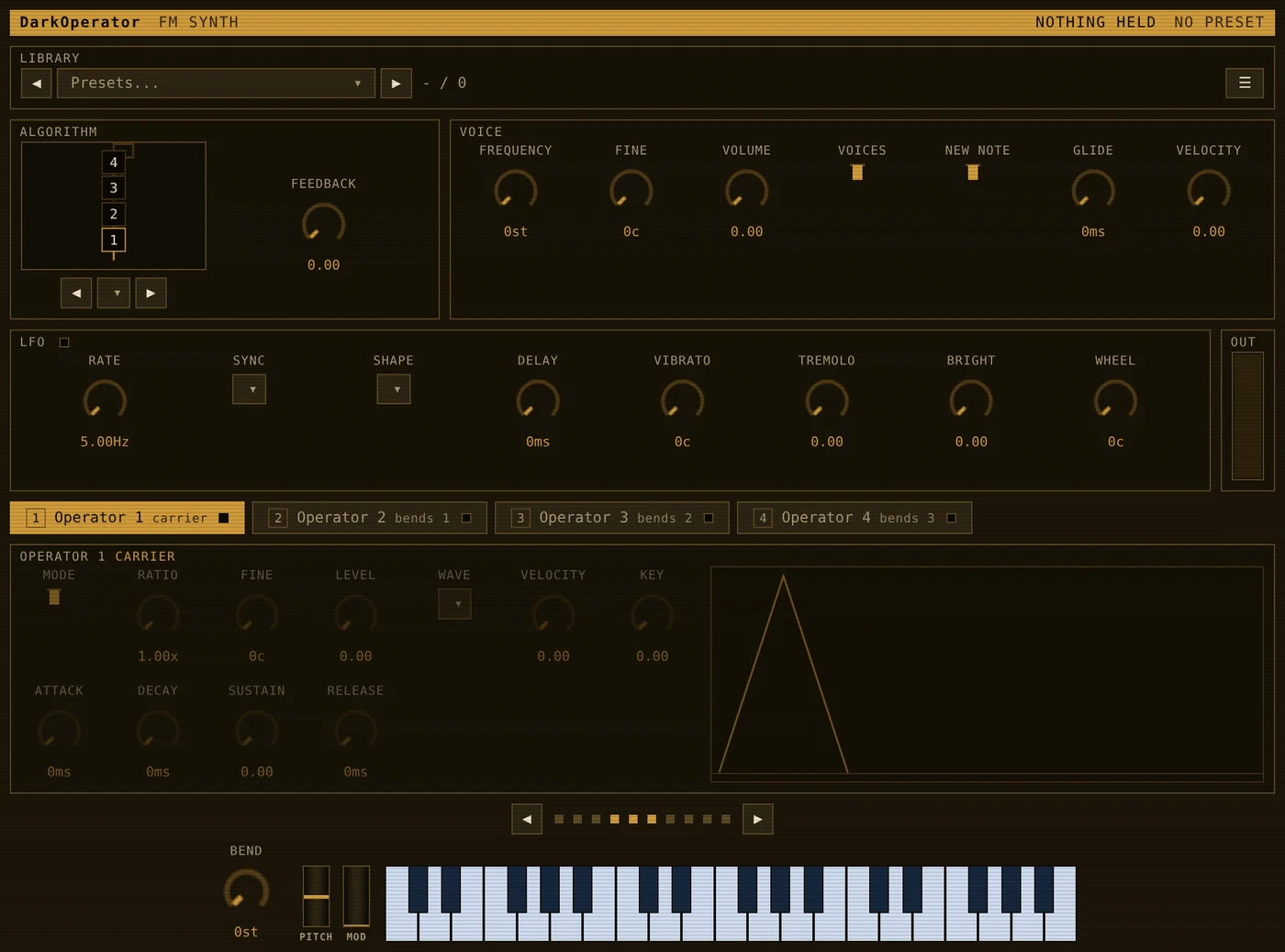
A four operator FM synth, with eight algorithms, feedback on the operators, and the ranges kept where they …
EUR 19.95
View
DarkLight
Wavetable synth
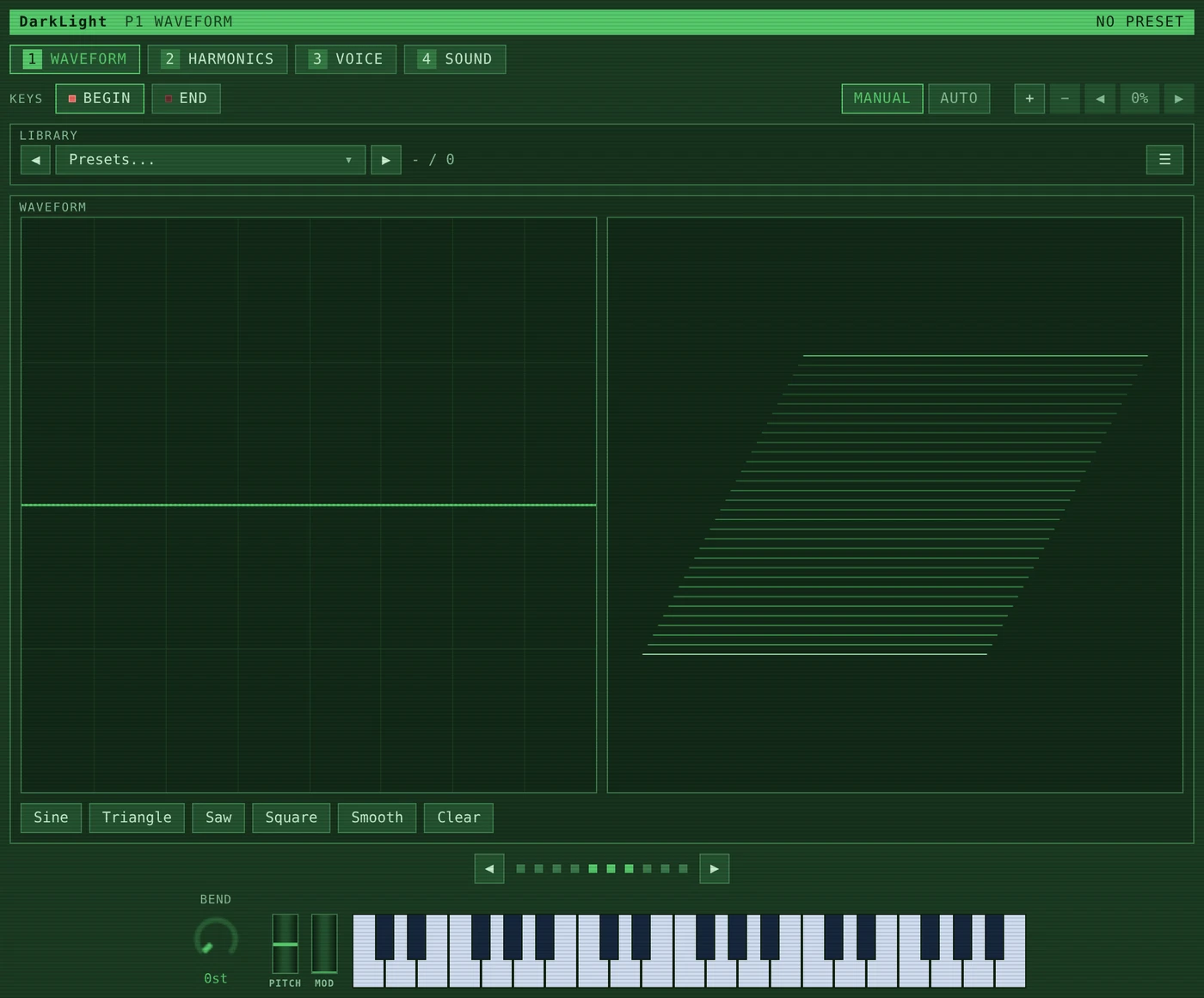
A wavetable synthesiser after the Fairlight CMI.
A sound here is thirty two waves and a sweep through them. …
EUR 19.95
View
DarkMatter2
Sampler
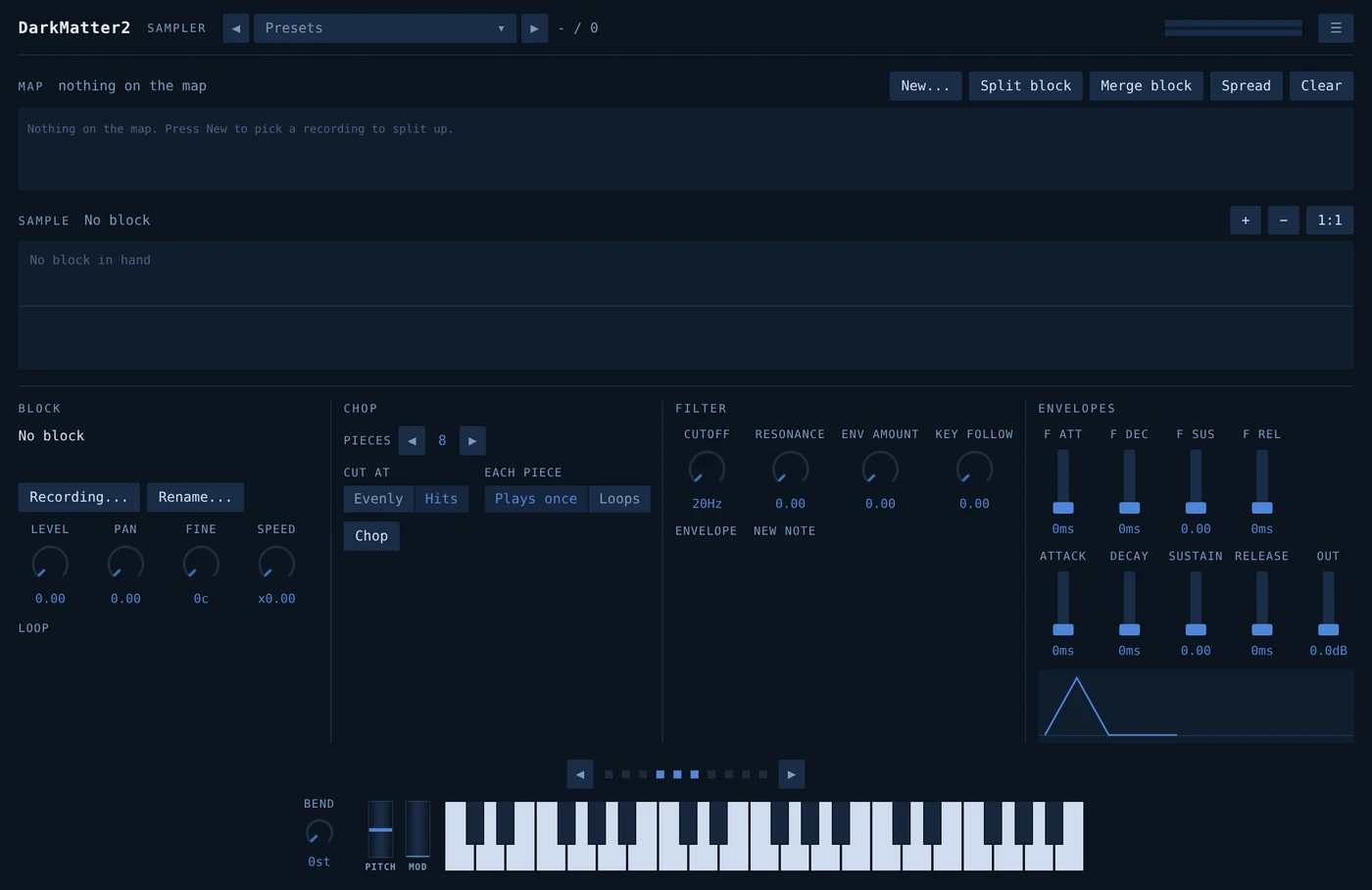
A sampler. Recordings are laid across the keyboard, each one with a stretch of keys, a root to transpose from, …
EUR 19.95
View
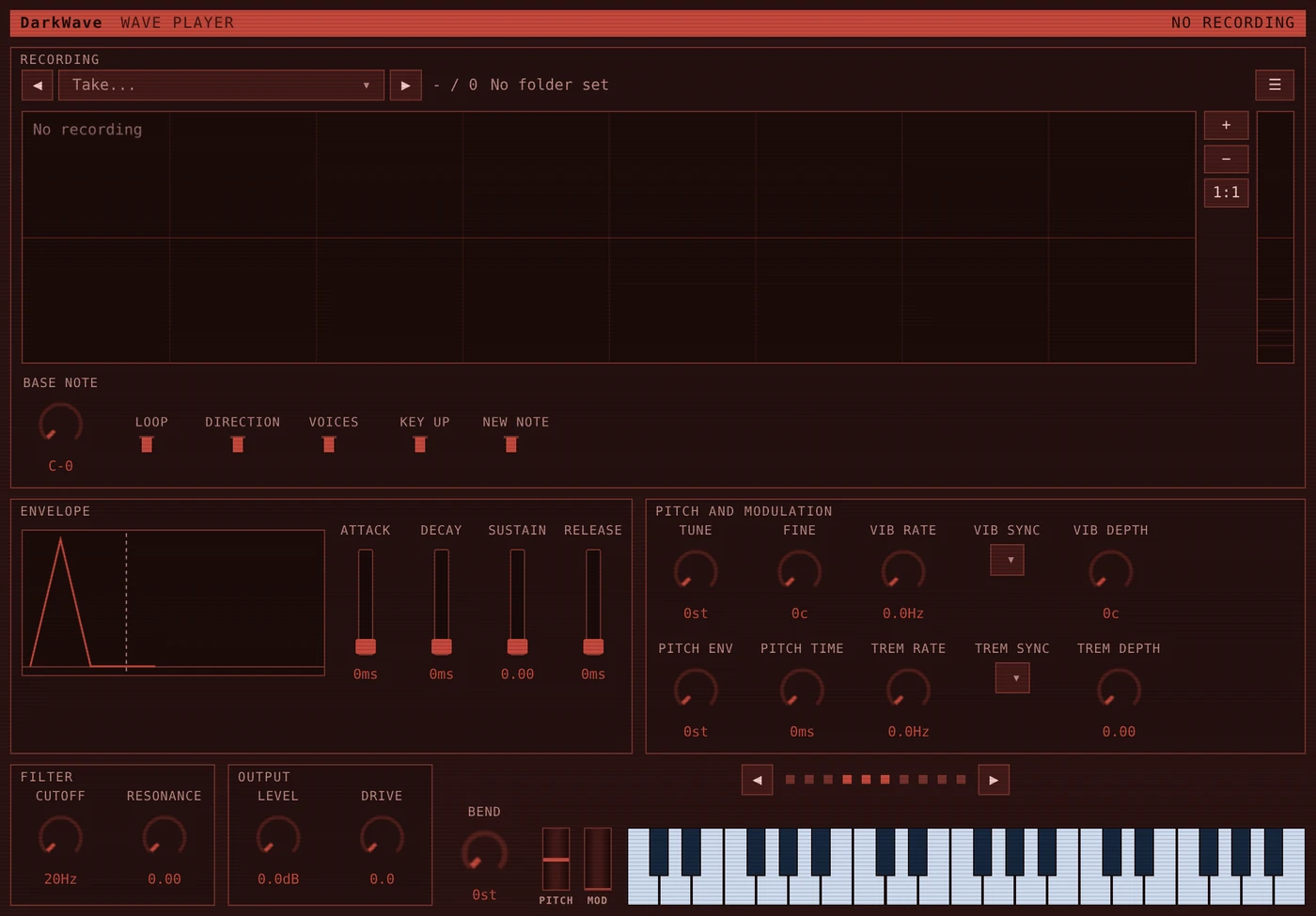
DarkWave
Wave player
A wave player rather than a sampler.
One recording goes on the machine and the keys read it back at whatever …
EUR 19.95
View
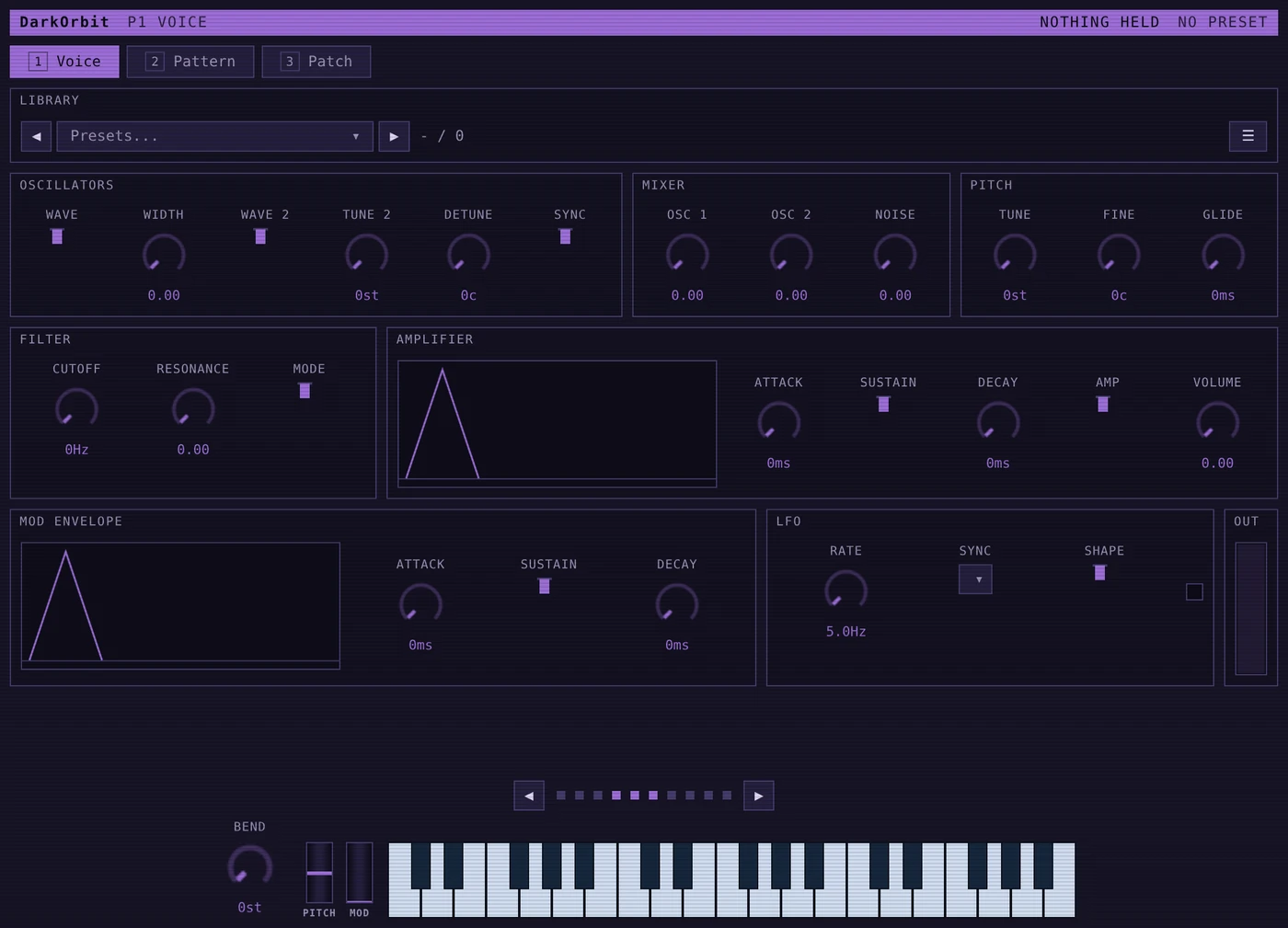
DarkOrbit
Arpeggiator
An arpeggiator with a monophonic synth behind it and a small board of cables between them.
Hold a chord and it …
EUR 19.95
View
DarkerBox
Multi effect
Seven effects in one plugin: EchoBox, Phaser, Ringer, Roaster, Shifter, Sweeper and Widener.
Every one of them …
EUR 19.95
View
The Seven Samurai
The whole line
All seven Dark plugins, one licence file, one payment.
Bought one at a time the seven come to EUR 139.65, so …
EUR 99.95
View
Dark707
Drum machine
Sixteen pads in a four by four grid, each one a synthesised voice, and a thirty two step pattern for every …
EUR 19.95
View
DarkOperator
FM synth
A four operator FM synth, with eight algorithms, feedback on the operators, and the ranges kept where they …
EUR 19.95
View
DarkLight
Wavetable synth
A wavetable synthesiser after the Fairlight CMI.
A sound here is thirty two waves and a sweep through them. …
EUR 19.95
View
DarkMatter2
Sampler
A sampler. Recordings are laid across the keyboard, each one with a stretch of keys, a root to transpose from, …
EUR 19.95
View
DarkWave
Wave player
A wave player rather than a sampler.
One recording goes on the machine and the keys read it back at whatever …
EUR 19.95
View
DarkOrbit
Arpeggiator
An arpeggiator with a monophonic synth behind it and a small board of cables between them.
Hold a chord and it …
EUR 19.95
View
DarkerBox
Multi effect
Seven effects in one plugin: EchoBox, Phaser, Ringer, Roaster, Shifter, Sweeper and Widener.
Every one of them …
EUR 19.95
View
Somewhere to run them
Every plugin here brings DarkRunner with it, so a DAW is not needed. If you want one anyway, JingleBox2 is mine too, and it is free. A pad launcher for radio, streaming and live work, with a tracker built in that takes VST3 and CLAP plugins. Windows and Linux, x64 and ARM64, so a 64-bit Raspberry Pi runs it as well.
Windows puts up a blue box reading Windows protected your PC the first time you run it. That is SmartScreen. Quietening it means buying a code signing certificate and renewing it every year, which I would rather not pass on. What the box tells you is that the publisher is unrecognised, which is all it means: nothing has been found wrong with the file. Click More info, then Run anyway.